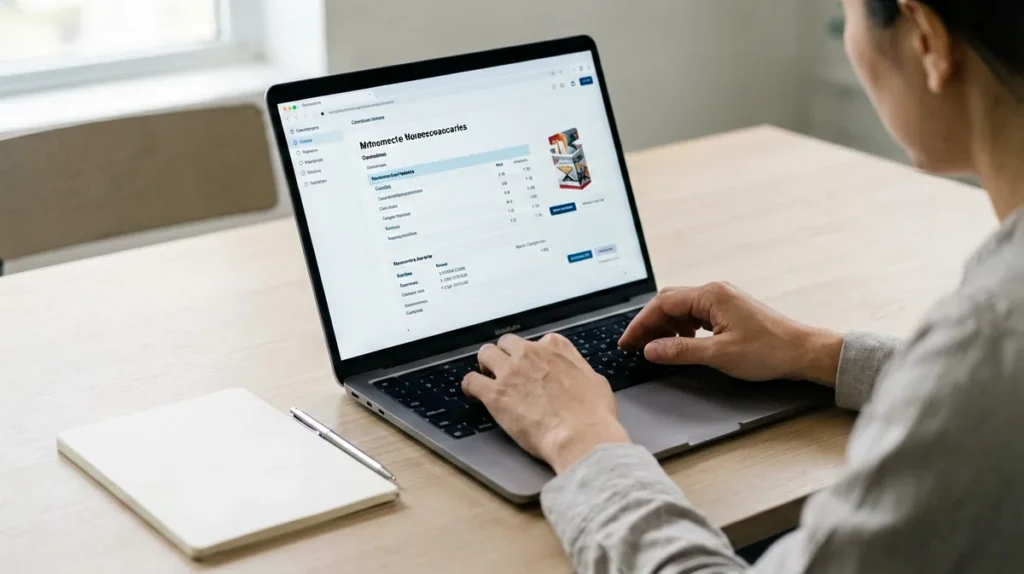
If your online order confirmation has not arrived, do not submit the same order again straight away. Check the email address used at checkout, the inbox’s spam or junk folder, and whether an order reference appears in your account. If there is still no record, contact Yavexio privately with the checkout email and the approximate order time. This guide is for Australian adults aged 18 and over.
Online order confirmation not received: the first checks
A missing message does not by itself prove that an order failed or succeeded. Work through these checks once before taking another action:
- Confirm the email address. Check the address entered at checkout for a spelling error.
- Search every inbox folder. Look in spam, junk, promotions and archived mail as well as the main inbox.
- Check your account. If you ordered while signed in, review My Account for an order reference or current record.
- Review the product page again. Product information, displayed A$ prices and availability can change; the live Yavexio catalogue is the current reference.
- Avoid an immediate duplicate submission. Contact support first when you cannot tell whether the original attempt created an order.
What to send Yavexio support
Use the Yavexio contact form and keep the message focused. Include:
- the email address used at checkout;
- the approximate date and time of the attempt;
- an order number if one appears anywhere;
- the exact product name if the question concerns a particular carton; and
- a short statement that the confirmation email was not received.
Do not place payment-card details, passwords, identity documents or unrelated sensitive information in a general support message. Yavexio’s Privacy Policy also advises visitors not to include payment details or identity documents in general support enquiries.
How to distinguish a missing email from an unaccepted order
A missing confirmation email is an evidence gap, not a final order status. The account record or a reply from support is more useful than guessing from an inbox alone. Yavexio’s Terms and Conditions state that submitting an order does not guarantee acceptance, so a completed checkout screen should not be treated as a guarantee either.
If support confirms that the order was not accepted, follow the separate guide on what to do when an online cigarette order is not accepted. If an order record exists, use that order number in any follow-up instead of creating a second enquiry without a reference.
Before you try the checkout again
- Wait until the existing order state has been clarified.
- Reopen the live product page and review the current listing.
- Confirm that the recipient is at least 18 and the address is eligible under the Shipping Policy.
- Use the same accurate contact details that support can match to the enquiry.
Yavexio ships only to eligible Australian addresses, and adult delivery requirements apply. Do not provide false age or delivery information or attempt to order for a minor.
Frequently asked questions
Should I place the order again if no email arrives?
Not immediately. First check your folders and account, then ask support whether the original attempt created an order. This reduces the risk of an unintended duplicate submission.
What if I have no order number?
Use the checkout email, approximate order time and exact product name in a private contact-form message. Support can tell you what additional information is needed.
Can I send a screenshot?
Send only information relevant to the enquiry and remove unrelated personal or payment details. Start with the minimum details above and wait for support to request anything further.
18+ only. Tobacco contains nicotine, and smoking causes serious health risks. This article explains an order-support process and is not health or legal advice.